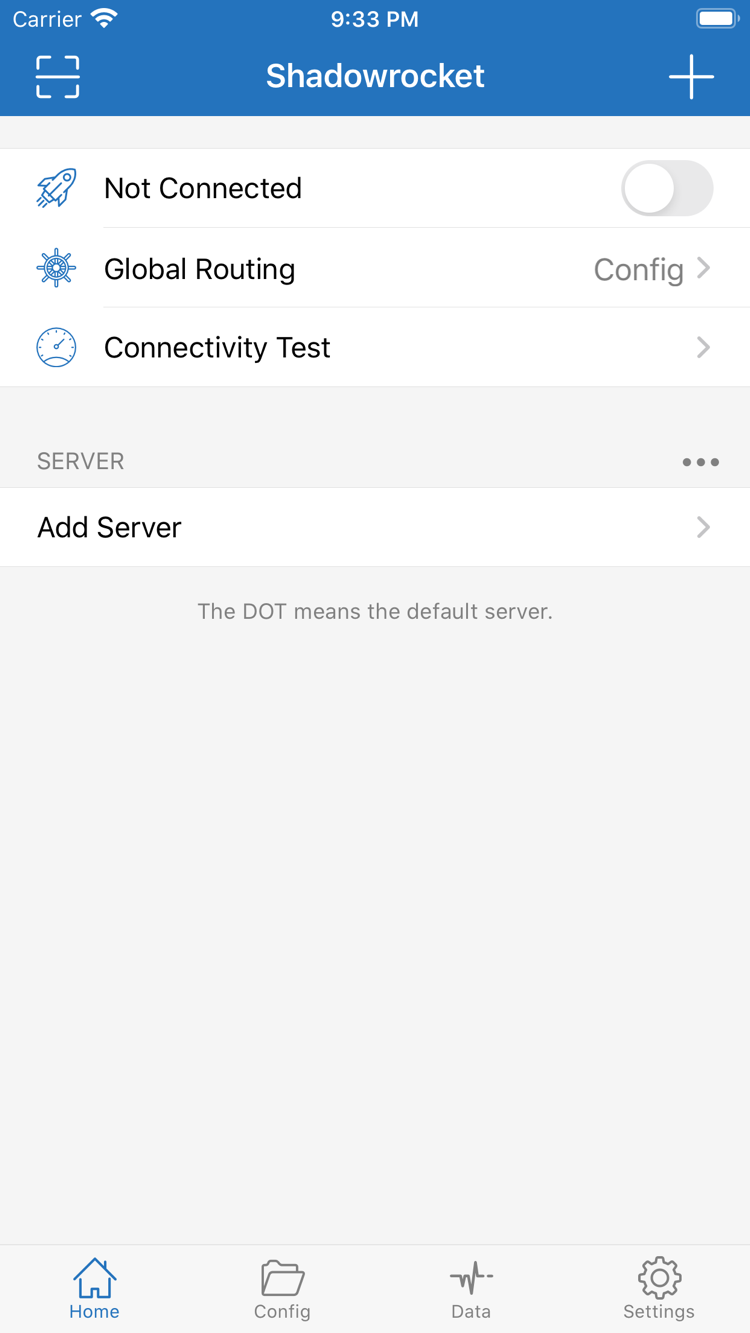
Shadowrocket is available only through the App Store. Before purchasing, check the product name, developer, and app ID. System requirements and purchase eligibility are as listed on the App Store product page. If you've already purchased the app, check your Purchased items before trying to buy it again. Also verify the account currently signed in to the store separately from the account used for device sync.
Shadowrocket is also available from the same App Store for Mac and Apple TV. Compatibility, system requirements, and purchase eligibility are as listed on the App Store product page.
Before connecting for the first time, understand the two types of authorization
Purchase confirmation happens in the App Store; adding a VPN configuration happens in the device's system settings. These are separate steps. Installing the app doesn't establish a connection, and allowing a system configuration doesn't mean the server details are correct. When you first open the app, check that your existing configuration is complete, select a server, and connect. If the system asks to authorize a configuration, confirm after reviewing what it does, then follow the device prompts to complete verification. If you cancel, return to the client and start the action again.
Verify each device separately, even when using two devices. The same subscription may provide the same server information, but the current network, Config selection, and local permissions may differ. First complete a minimal working setup on one device and note the protocol and mode. Then check each item on the other device. If results differ between Wi-Fi and cellular, keep the test destination the same and change only the network. This makes it easier to tell whether the issue is network reachability or a setting on the device.
What to read after installation
For your first setup, start with Getting Started: prepare existing subscription or server details, choose the right import method, check Global Routing, connect, then verify with a specific request and Logs. If you already have a configuration but some destinations are routed incorrectly, consult the configuration field reference and check rule order, policies, and domain mappings. Checking installation, connection, and routing separately helps avoid changing multiple settings at once and losing track of what caused the issue. It also makes it easier to keep a recoverable configuration copy.